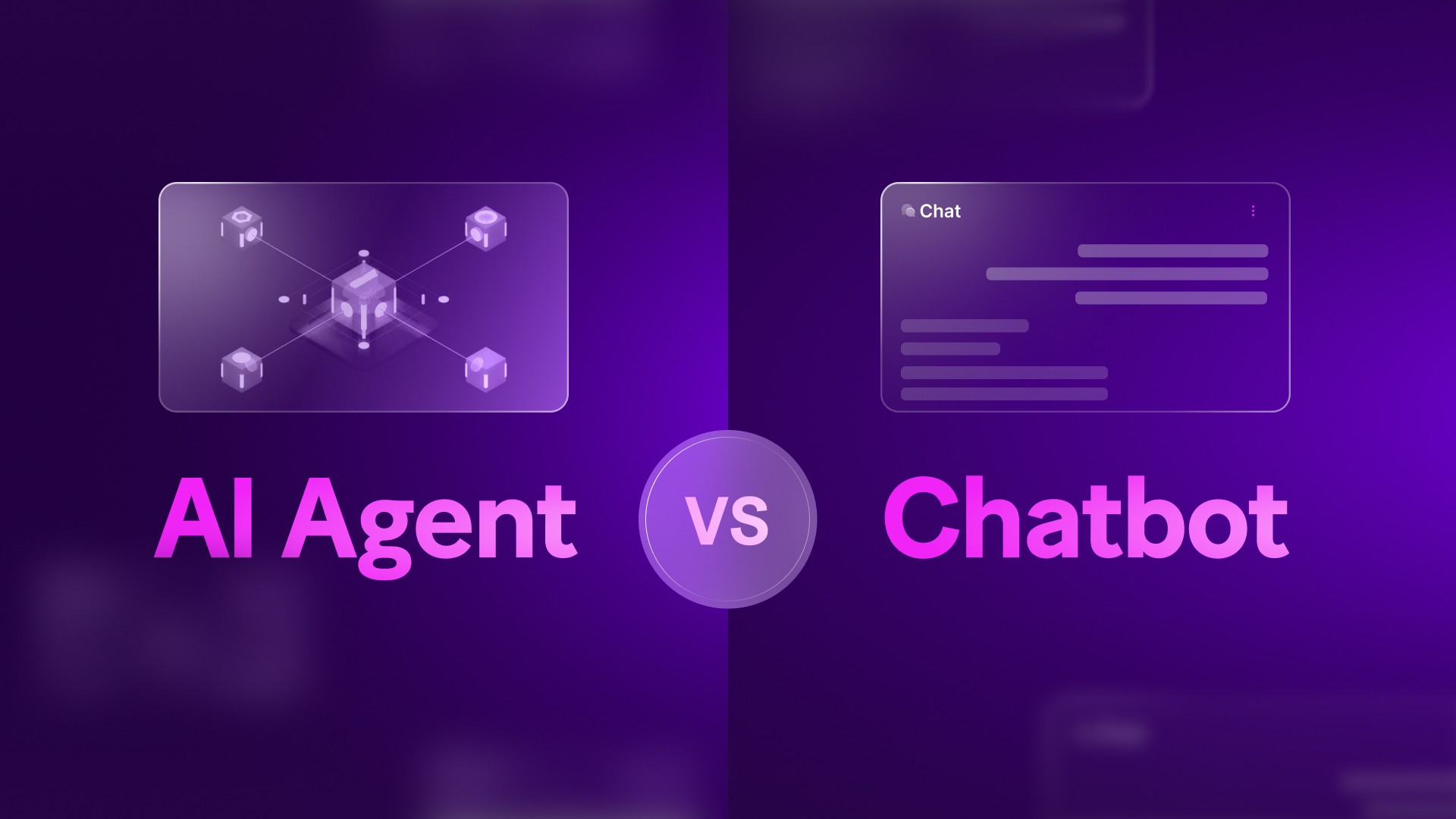

More and more software vendors describe their products as AI agents. When you look closer, though, many of them still just answer questions like a regular chatbot. Mixing up the two often leads to a budget and timeline that don’t match the product you end up with. This article from PowerGate Software explains the AI agent vs AI chatbot difference and how to decide which one your business actually needs.
1. What is an AI chatbot?
A chatbot is software built to hold a conversation. A user types a message, the chatbot replies, and then waits for the next one. Older bots ran on scripts and decision trees. As soon as a customer said something the script didn’t expect, the conversation broke down, and the user usually ended up asking for a human.
Modern chatbots run on large language models, so they understand messy or incomplete questions much better. Many also use retrieval-augmented generation (RAG), which lets them pull answers from a company’s own documents instead of guessing. This makes their answers far more accurate, but the job stays the same. A chatbot produces text, and the user decides what happens next.
2. What is an AI agent?
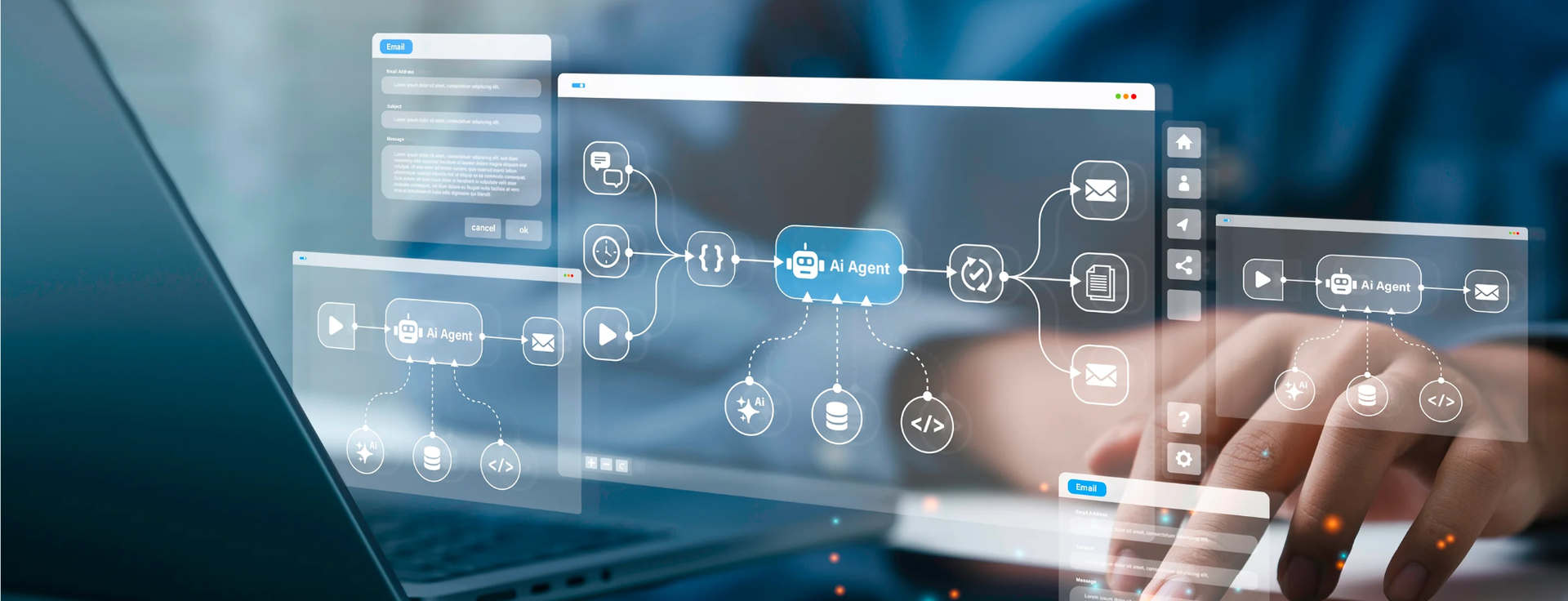
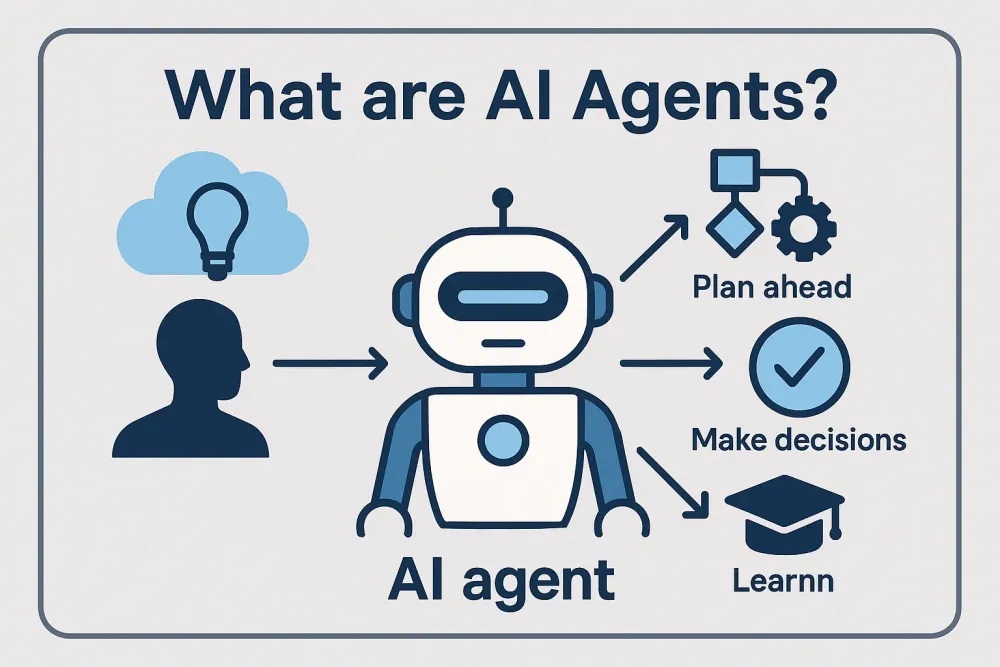
An AI agent is given a goal and works out how to reach it. It first breaks the task into smaller steps. Then it uses tools such as an API, a database, a calendar or a payment system to carry out each step. After every action, it checks the result and decides what to do next. It stops when the job is done or when it reaches a limit the team has set.
A useful academic definition describes an agent through four traits. It keeps track of what has happened across interactions and plans in multiple steps. It can also call external tools and act without a person approving each step. When one of these traits is missing, the system usually behaves more like a chatbot.
The working pattern clearly shows the difference. A chatbot receives a question, answers it, and stops there. An agent operates in a loop: it plans, acts, observes the result, and adjusts. This loop is what allows an agent to complete real tasks. It is also why agents take more effort to build, test, and trust.

An AI agent is given a goal and works out how to reach it – Source: bernardmarr.com
You may need: What are AI agents? A complete guide to how they work, types, use cases, and development
3. When to choose an AI agent and when to choose an AI chatbot?
| AI chatbot | AI agent | |
|---|---|---|
| Output | Answers, text | Completed tasks, changes in real systems |
| Who drives | The user, turn by turn | The agent picks its next step |
| Tools | None, or read-only lookups | APIs, databases, other software |
| Memory | Usually one session | Can carry context over time |
| How it fails | Gives a wrong or vague answer | Takes a wrong action |
| Cost and effort | Lower, quicker to launch | Higher, needs monitoring and permissions |
The failure row deserves more attention than it usually gets. When a chatbot is wrong, the user gets a bad answer. When an agent is wrong, it might refund the wrong amount or send a message to the wrong customer. Errors can also build up over several steps. For this reason, most agents in production have approval checkpoints and strict limits on what they can do. Every decision they make is logged as well.
The simplest way to decide is to look at what you expect the software to deliver.
3.1. When an AI chatbot is the better fit
Choose a chatbot when the main output is a good answer. Typical examples are FAQs, product guidance, internal knowledge search, and onboarding support. These tasks come in high volume but carry fairly low risk. A well-built RAG chatbot can usually handle them and go live within a few weeks.
3.2. When an AI agent is the better fit
Choose an agent when you need the work itself to be done. This includes booking appointments, updating records, processing standard refunds, or moving data between systems. It is safer to start with one narrow and clearly defined task. Once the agent runs reliably, the team can expand its scope step by step.
In many products, the best setup uses both. A chatbot handles the conversation with users, while agents carry out tasks in the background under clear guardrails. Adoption of this approach is growing fast. Gartner projected that 40% of enterprise applications would include task-specific agents by the end of 2026, up from under 5% in 2025.
Source: builder.aws.com
4. From scripted bots to autonomous agents: The levels in between
In practice, software teams tend to see five rough levels:
- Scripted chatbots: fixed flows with no real AI behind them.
- LLM chatbots: understand natural language and answer flexibly.
- RAG chatbots: grounded in your own data, but they still only answer.
- Task agents: handle one defined job while a human keeps watch.
- Autonomous agents: run whole workflows with little oversight.
Most real products sit somewhere in the middle, which is usually where they should be. One research framework grades autonomy on a similar scale, from tools that need an instruction for every action up to systems with no human oversight. Very few businesses need the highest level. For many of them, a well-built RAG chatbot already covers what users need.
5. Insight from a PowerGate project: Where the line sits in practice
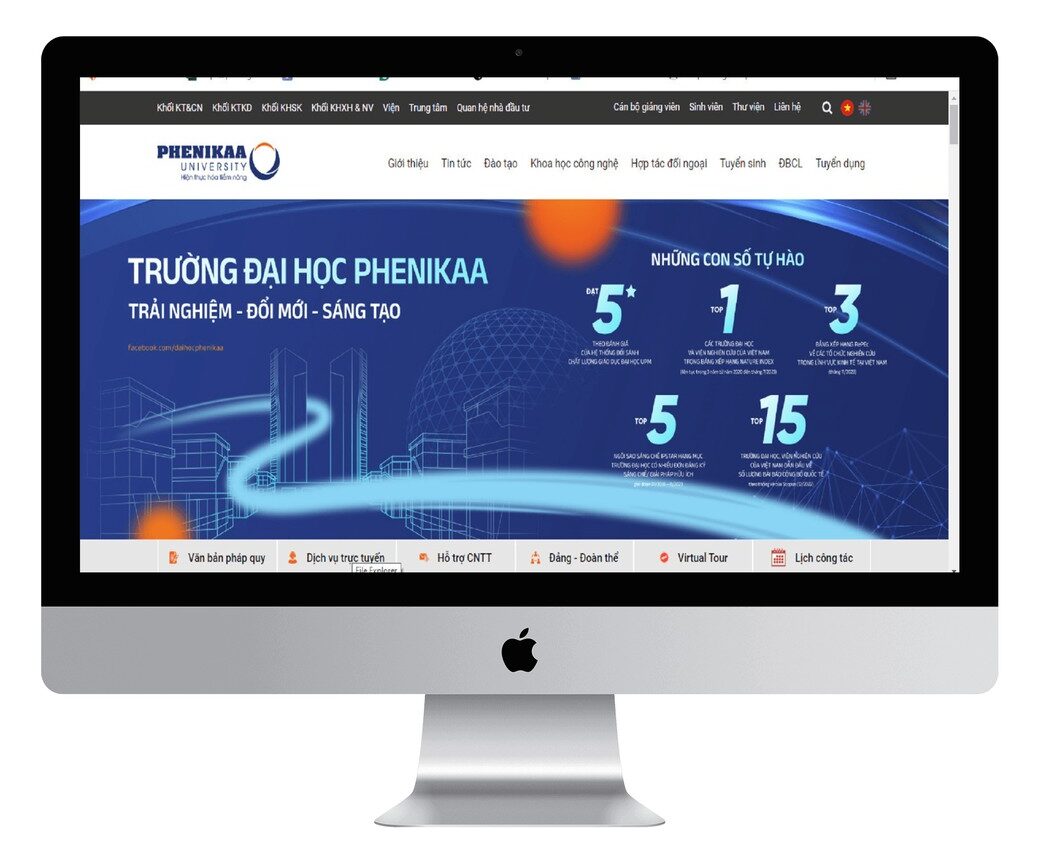
A good example comes from our work with Phenikaa University, a long-term partner of PowerGate Software. Their advising team couldn’t keep up with the growing number of student questions, and the traditional process didn’t scale. We built an academic advising chatbot using an LLM with RAG. LlamaIndex handles retrieval, and FastAPI runs the backend.
The chatbot answers students in real time and gives personalized recommendations based on their academic records and preferences. This noticeably reduced the workload for advisors. The bot reads student records but doesn’t change them. It can suggest a study path, but it doesn’t register students for courses. That makes it a capable chatbot rather than an agent, which is a sensible choice for academic advising.
If the university later wanted the bot to book advisor meetings or handle enrollment, it would move into agent territory. It would then need a reliable system to act on, and teams often overlook this part. In another project, we built an appointment scheduling platform for a healthcare provider. Booking, payments, and automated notifications all run in one system with clear workflows. An agent needs this kind of foundation before it is allowed to act on real data.
Read more: Top 10 Vietnamese companies for AI agent development & workflow automation
6. Common mistakes when choosing between an AI agent and an AI chatbot
Teams tend to run into the same four mistakes when making this decision:
- Treating an LLM in a chat window as an agent. Adding a language model to a chatbot doesn’t change what it is. If the system can’t decide which tools to use or take actions safely, it is still a chatbot.
- Trusting the label. Gartner has estimated that only a small share of the thousands of vendors selling “AI agents” offer real agent capabilities. During a demo, ask to see the agent complete an actual task.
- Assuming an agent is always the upgrade. In one published support case, replacing a chatbot with an agent raised the cost of each interaction. The agent did resolve more issues without human help, so the trade-off worked for that business. It may not work the same way for every team.
- Skipping the groundwork. An agent depends on stable APIs, proper permissions and audit logs. Without them, it creates more risk than value.
Choosing between an AI agent vs AI chatbot comes down to one plain question: do you need the software to answer, or to act? Once that is clear, planning the architecture, budget, and risk controls becomes much easier. If you’re weighing the two for your own product, the PowerGate team has built AI chatbots and workflow-heavy platforms in education and healthcare, and we’re happy to help you work out where an agent makes sense.