
Software development does not end when an application goes live. As technologies evolve, user expectations change, and security risks emerge, businesses must continuously maintain and improve their software to keep it reliable and effective. Understanding the different types of software maintenance can help organizations make better decisions about resource allocation, risk management, and long-term product growth.
1. What is software maintenance & why does it matter?
Software maintenance refers to all activities performed after software deployment to keep applications functional, secure, and aligned with business needs. While many people associate maintenance with fixing bugs, it actually covers a much broader range of tasks, from performance optimization and security updates to feature enhancements and technology upgrades. Software maintenance has become increasingly important in recent years. Modern applications depend on cloud infrastructure, third-party integrations, mobile platforms, and constantly evolving security standards. Even well-built software can gradually become outdated if it is not maintained properly.
Businesses often begin to notice maintenance issues when they encounter problems such as:
- Frequent system outages or unexpected errors
- Slow application performance
- Security vulnerabilities and compliance concerns
- Growing customer complaints
- Increasing difficulty in releasing new features
- Rising operational costs caused by technical debt
Ignoring these warning signs can eventually affect productivity, customer satisfaction, and business growth. This is why software maintenance should be viewed as an ongoing business investment rather than a one-time technical task.
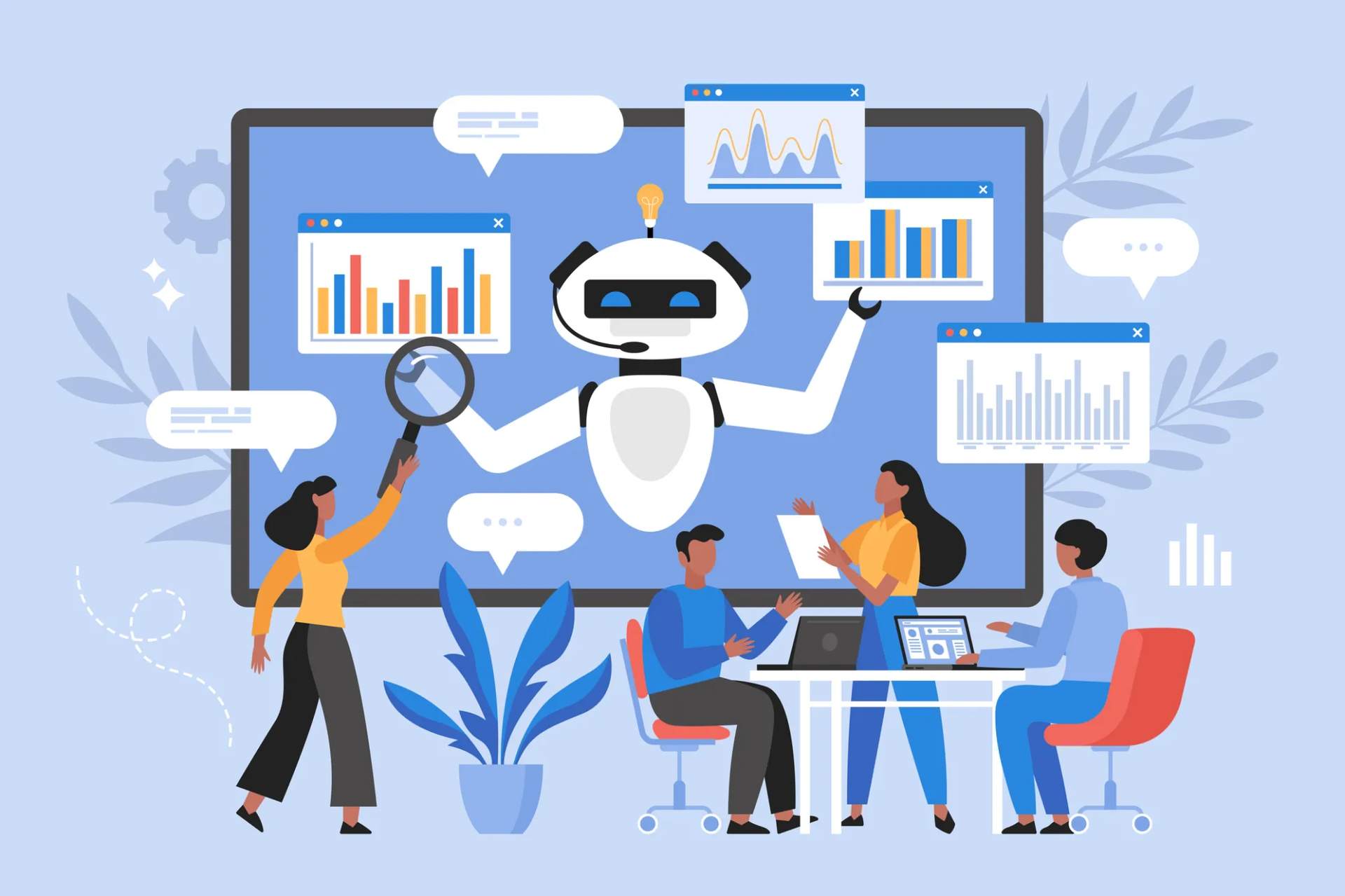
Software maintenance has become increasingly important in recent years – Source: kitemetric.com
2. The 4 main types of software maintenance
Software maintenance is commonly divided into four categories. Each type serves a different purpose and becomes important at different stages of a product’s lifecycle.
| Maintenance type | Primary goal | Common activities | Most relevant stage |
|---|---|---|---|
| Corrective maintenance | Fix existing issues | Bug fixing, troubleshooting, error correction | All stages |
| Adaptive maintenance | Respond to external changes | Platform updates, API integrations, cloud migration | Growth and scaling stages |
| Perfective maintenance | Improve performance and usability | Feature enhancements, UX improvements, optimization | Growth stage |
| Preventive maintenance | Reduce future risks | Refactoring, security hardening, dependency updates | Mature products |
2.1. Corrective maintenance
Corrective maintenance focuses on identifying and fixing defects discovered after software deployment. These issues may be reported by users, detected through monitoring systems, or identified during routine testing. Common examples include:
- Fixing application crashes
- Resolving payment processing errors
- Correcting inaccurate data calculations
- Repairing broken integrations
Corrective maintenance is often the most visible type because it directly addresses problems affecting users. However, relying exclusively on corrective maintenance can create a reactive approach where teams spend most of their time solving urgent issues instead of improving the product.
2.2. Adaptive maintenance
Adaptive maintenance is the process of updating software to remain compatible with changes in its external environment. These changes may include new operating system versions, evolving cloud platforms, updated regulations, or modifications to third-party services. By adapting software to these developments, organizations can maintain stability, security, and uninterrupted functionality. Examples of adaptive maintenance include:
- Updating applications for new versions of Android or iOS
- Migrating systems to cloud platforms
- Integrating new third-party services
- Adjusting software to meet regulatory requirements
For many organizations, adaptive maintenance has become increasingly important because modern software ecosystems change much faster than they did a decade ago. A solution that works perfectly today may require modifications next year simply because its surrounding environment has evolved.
2.3. Perfective maintenance
Perfective maintenance focuses on improving software performance, usability, and functionality. Unlike corrective maintenance, which addresses existing problems, perfective maintenance aims to make a system better than it was before. Typical activities include:
- Enhancing user interfaces
- Optimizing application performance
- Improving workflows
- Adding new features based on customer feedback
- Streamlining business processes
Many successful software products spend a significant portion of their maintenance budget on perfective maintenance. Continuous improvements help businesses remain competitive and meet changing customer expectations.
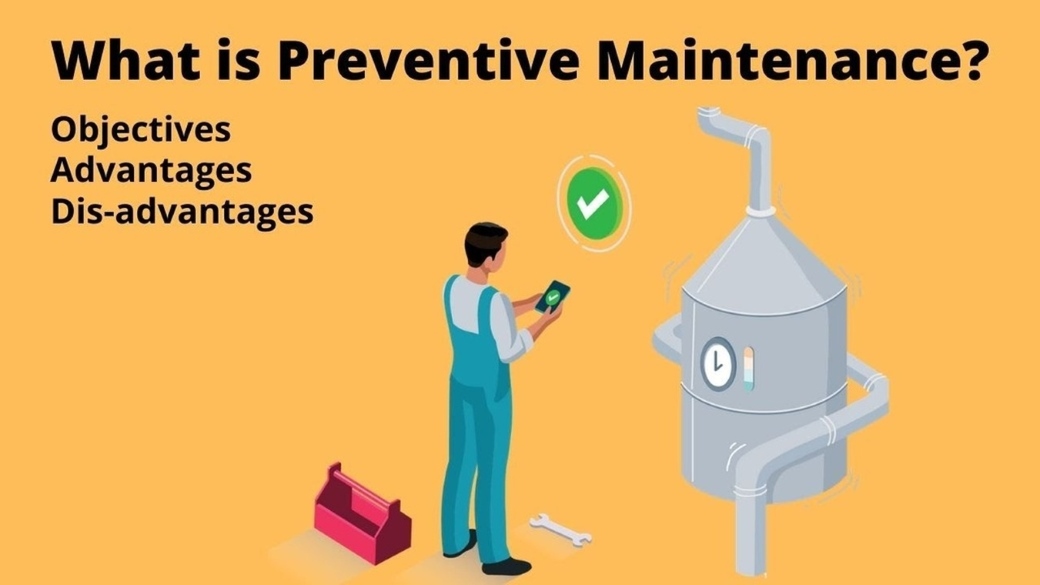
2.4. Preventive maintenance
Preventive maintenance aims to reduce future risks before they become major problems. Although users may not immediately notice these improvements, preventive maintenance often plays a critical role in maintaining long-term software quality. Examples include:
- Refactoring complex code
- Updating outdated frameworks
- Removing unused components
- Improving system documentation
- Addressing known security vulnerabilities
Preventive maintenance is closely linked to managing technical debt. Organizations that consistently postpone preventive activities often face higher maintenance costs and slower development cycles in the future.
3. 5 common challenges businesses face when maintaining software
While software maintenance is essential for long-term system reliability, many organizations face obstacles that make it difficult to manage effectively. Some of the most common challenges include:
- Technical debt: Over time, quick fixes and short-term development decisions can accumulate into technical debt. As a result, systems become more complex, and developers often spend more time understanding existing code before making changes.
- Legacy systems: Many businesses still depend on applications built on outdated technologies. Maintaining these systems can be difficult due to limited documentation, aging infrastructure, and the shrinking pool of developers with relevant expertise.
- Security risks: Cybersecurity threats continue to evolve, requiring organizations to regularly update software components, patch vulnerabilities, and strengthen security controls. Failing to do so can expose systems to significant operational and financial risks.
- Knowledge loss: When original developers or key team members leave a project, valuable knowledge about system architecture and business logic can be lost. Without proper documentation and knowledge transfer processes, maintenance becomes more challenging and time-consuming.
- Limited resources: Many organizations prioritize new feature development over software maintenance. While this may support short-term business goals, underinvesting in maintenance can increase technical debt, reduce system reliability, and create higher costs in the future.
4. Building an effective software maintenance strategy
A successful maintenance strategy requires more than simply responding to issues as they arise. Organizations should establish structured processes that support long-term software health.
4.1. Start with a structured handover process
When maintenance responsibilities are transferred to a new team, a thorough onboarding process is essential. This process should include:
- Knowledge transfer from existing teams
- Detailed review of application architecture
- Functional testing and issue identification
- Assessment of performance and security risks
A well-executed handover helps maintenance teams understand the current state of the software and identify opportunities for improvement.
4.2. Prioritize remediation and performance improvements
Before introducing major enhancements, businesses should address existing weaknesses within the application. Important activities may include:
- Resolving recurring issues
- Improving documentation
- Optimizing performance bottlenecks
- Increasing scalability
- Creating a roadmap for future improvements
Addressing these areas early can reduce operational risks and create a stronger foundation for future development.
4.3. Establish continuous maintenance and support processes
Software maintenance should be viewed as an ongoing activity rather than a periodic project. Effective maintenance programs often include:
- Scheduled backups
- Continuous monitoring
- Helpdesk and issue management systems
- Regular bug fixes
- Security updates
- Performance reviews
Consistent maintenance practices help organizations minimize downtime and maintain a stable user experience.
5. How PowerGate Software supports long-term software maintenance
Many businesses struggle to maintain software internally because their teams are focused on core business priorities. In these situations, working with an experienced software maintenance partner can provide valuable support. At PowerGate Software, software maintenance services are designed to help businesses keep their applications secure, stable, and ready for future growth. The team applies a combination of corrective, adaptive, perfective, and preventive maintenance practices to support long-term system reliability while minimizing disruptions to daily operations.
PowerGate Software’s maintenance approach includes:
- Knowledge transfer and application assessment during onboarding
- Identification and remediation of critical issues
- Ongoing support and bug fixing
- Scheduled maintenance and backup activities
- Regular performance tuning and scalability improvements
- Security updates and vulnerability management
In addition, organizations can leverage dedicated developers and testers through PowerGate Software’s committed team model, allowing them to maintain and enhance software products without significantly expanding internal resources.
By combining technical expertise, disciplined release management, version control practices, and continuous system improvements, PowerGate helps businesses maximize the value of their software investments over time.

Understanding the different types of software maintenance is essential for keeping software secure, reliable, and aligned with business goals. While corrective, adaptive, perfective, and preventive maintenance serve different purposes, they work together to support long-term product success. By adopting a structured maintenance strategy and investing in ongoing improvements, organizations can reduce risks, improve performance, and ensure their software continues to deliver value well beyond its initial launch.
>>> Contact PowerGate Software today to discuss your project!